
From Boardroom to Classroom
This post contains affiliate links and paid brand placements. If you buy through these links, we may earn a commission or bonus from the featured brands at no extra cost to you.
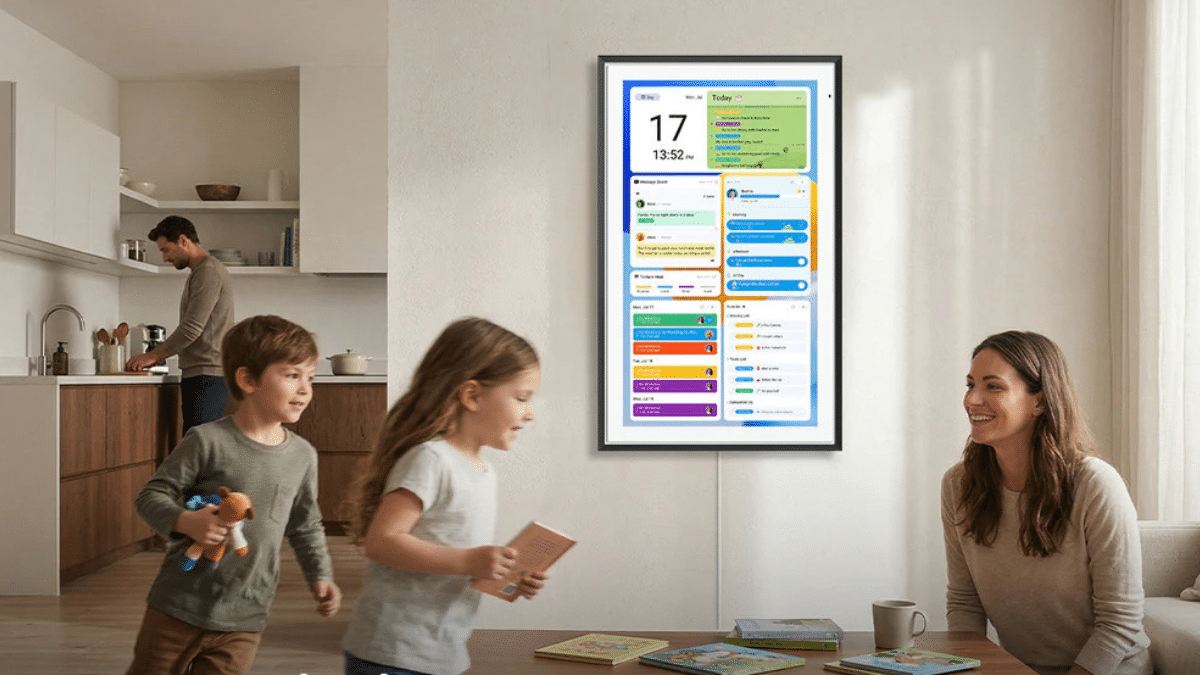
Most people look at a digital wall calendar and only see a high-tech chore chart or a meal planner. But if you are balancing a work-from-home career while prepping your household for back-to-school season, these smart screens are actually your ultimate productivity secret weapon. By seamlessly syncing your professional deadlines alongside school schedules, homework timelines, and soccer practices, these interactive displays bridge the gap between your career and your home life.
Stop drowning in scattered paper planners and forgotten sticky notes. These 7 top-rated digital calendars keep your work tasks completely aligned with your family’s daily rhythm.
1. The Best Value All-Rounder:
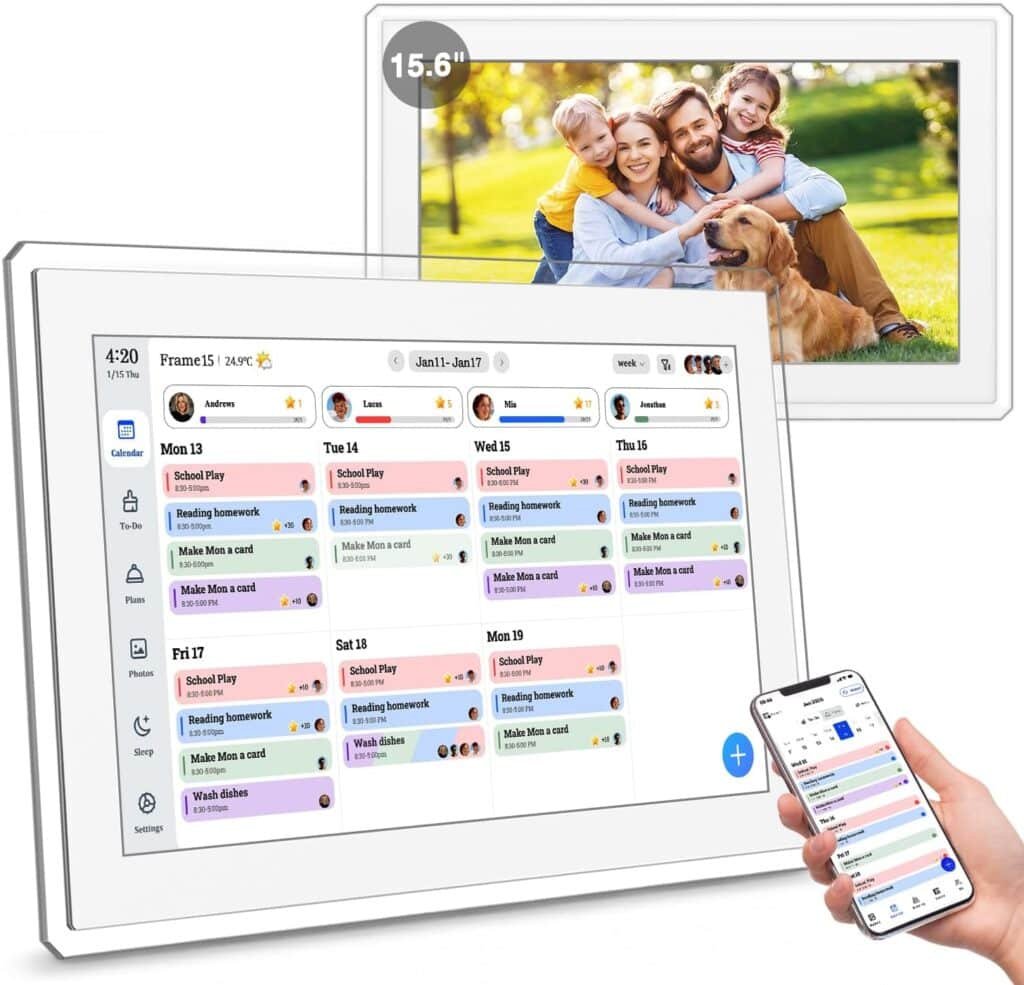
Yemsd 15.6″ Digital Wall Touch Screen
*sponsored
$168 (LIST $250)
This HD touchscreen is ideal for small home offices. It allows you to partition the screen so you can review your corporate agenda on one side while keeping your kids’ school drop-off zones and daily chore countdowns clearly visible on the other.
2. The Gold Standard Family Hub:
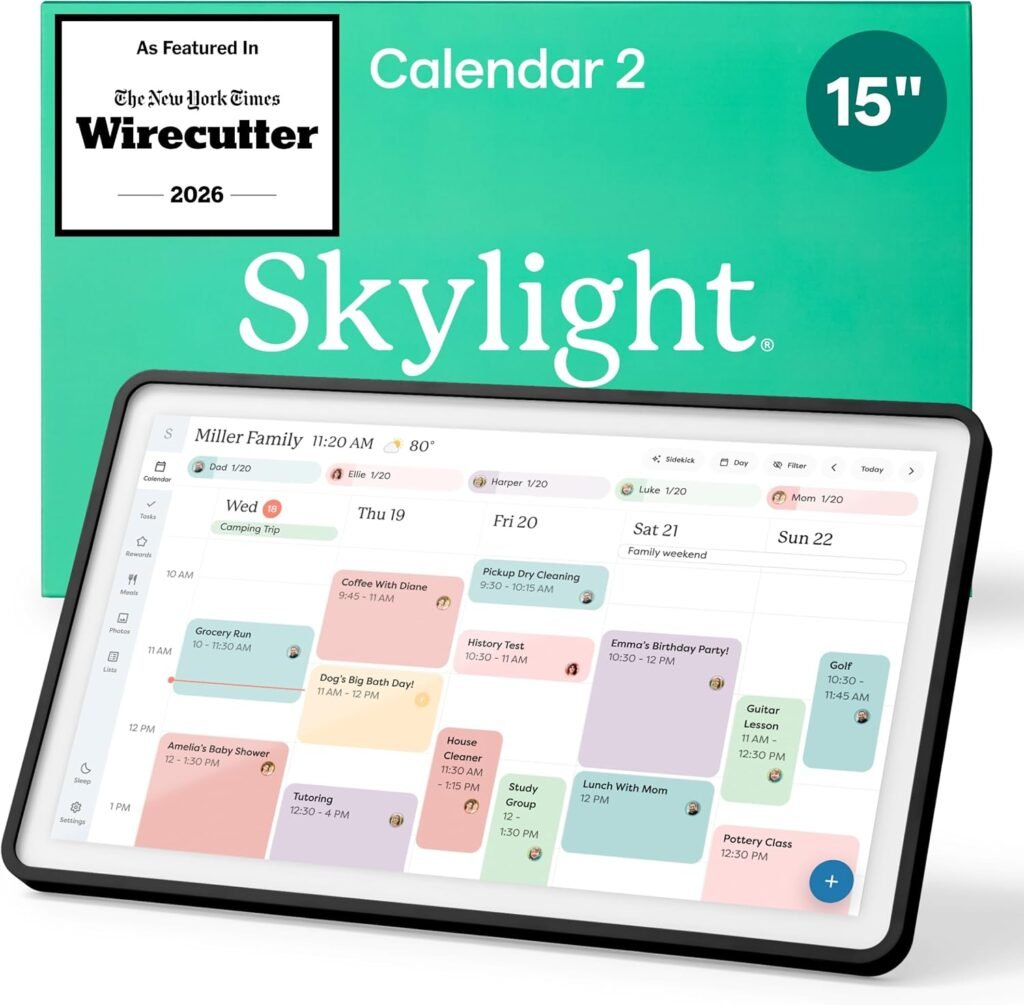
Skylight Calendar 2 (15-Inch)
$350
Renowned for its flawless color-coded system, the Skylight 2 allows remote workers to auto-sync work platforms directly next to school rosters. Each family member gets a designated color block, letting you see at a single glance if an executive Zoom meeting overlaps with an afternoon parent-teacher conference.
3. The Premium Mega-Screen:
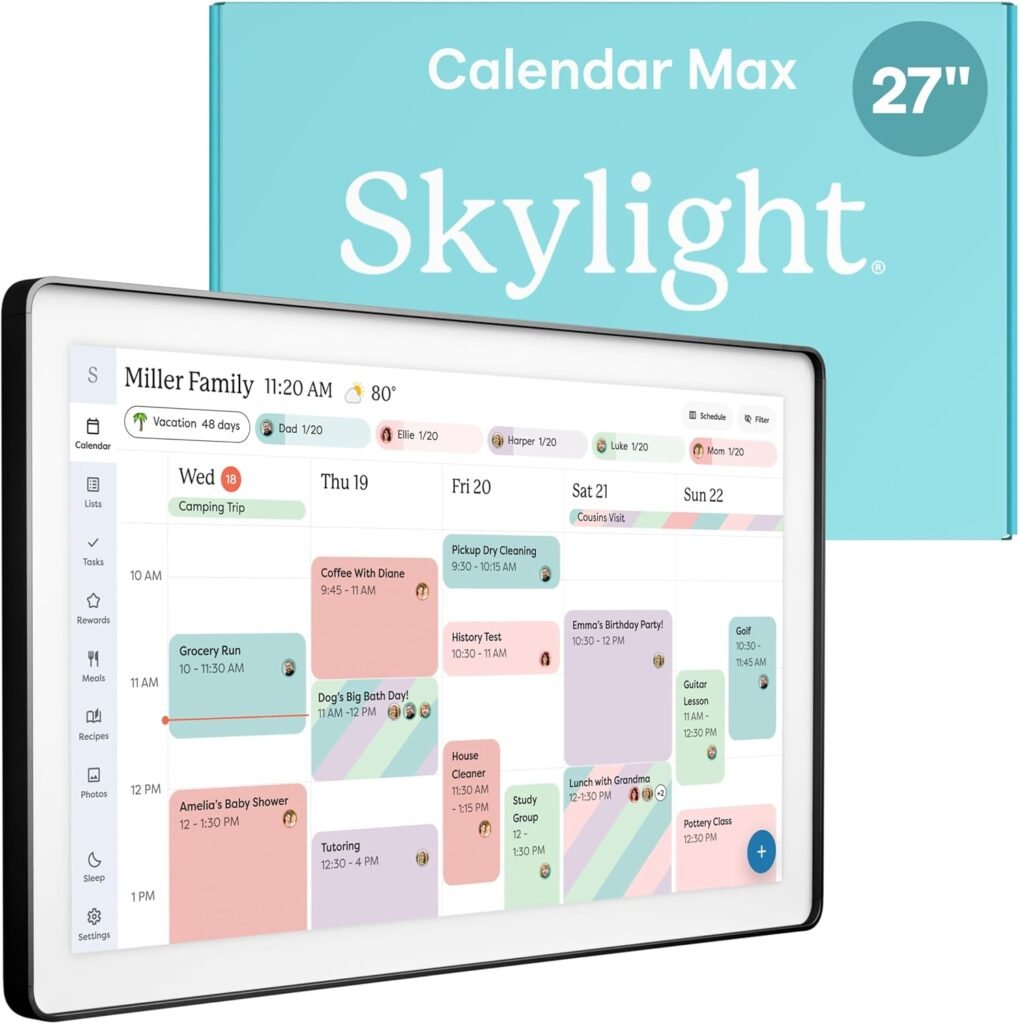
Skylight Calendar Max (27-Inch)
$650
Can be mounted in either portrait or landscape mode, making it an excellent centerpiece for a shared office-and-kitchen wall. The massive 27-inch canvas offers enough digital real estate to display a dense, complex professional project timeline right beneath a macro view of the school semester.
4. The Giant Sub-Free Powerhouse:
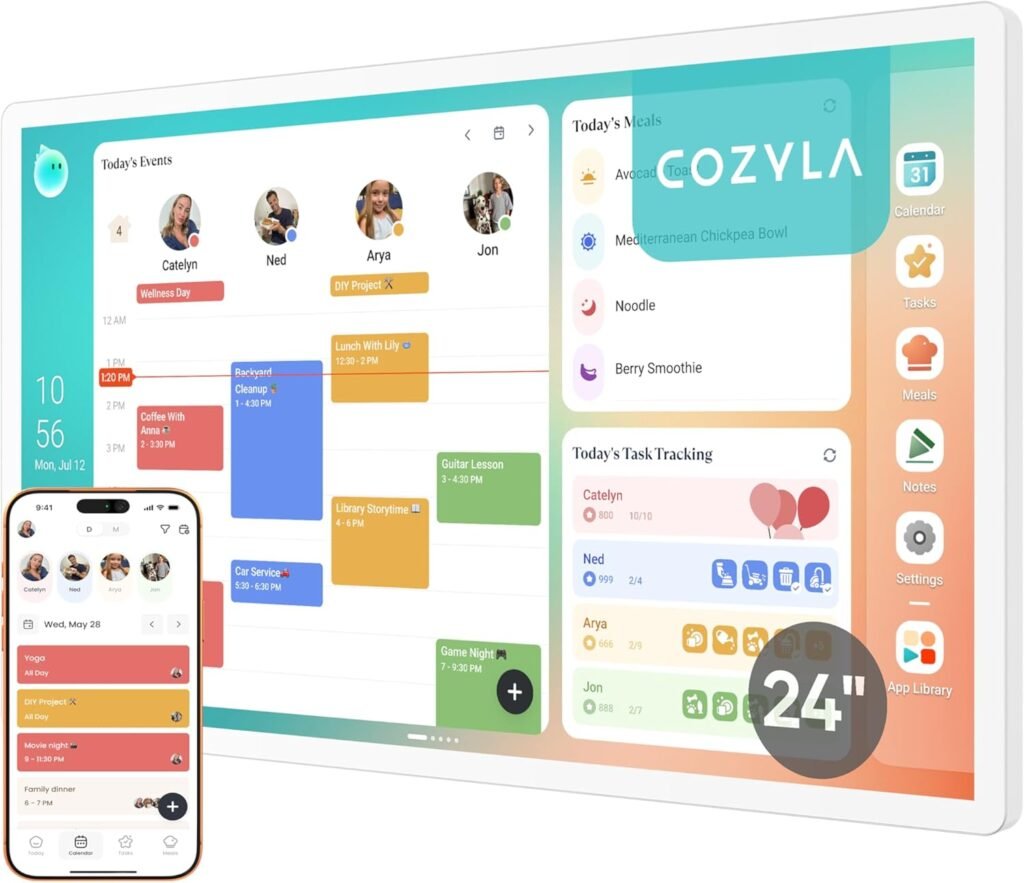
Cozyla Calendar Plus 2 (24″ or 32″)
$700
Cozyla’s standout feature is its “No Subscription Required” family dashboard that fully supports downloading tools from the app store. This means WFH professionals can run project management apps right on the wall without extra hidden monthly fees, creating a true central dashboard for the household.
5. The Professional-Grade Workhorse:
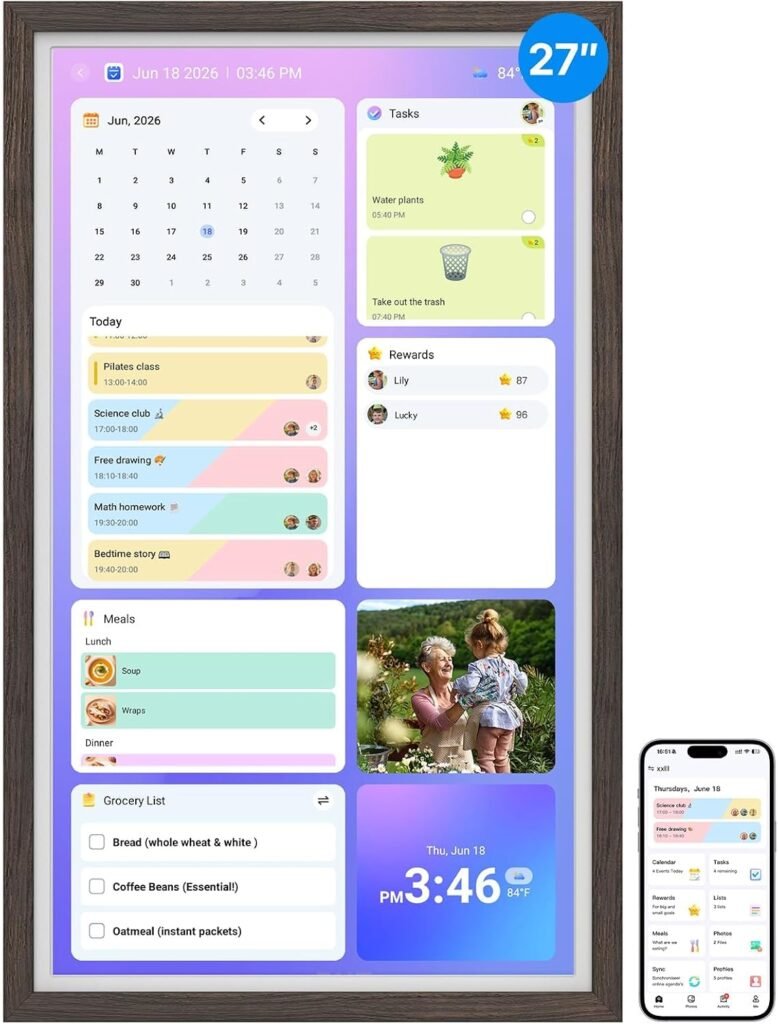
Bsimb 27-Inch Dark Wood Display
*sponsored
$420
Featuring a beautiful dark wood aesthetic, this interactive display blends right into a sophisticated home office setup instead of looking like a plastic toy. It combines an advanced project scheduling view for your business targets with an interactive rewards system to keep your kids motivated on school nights.
6. The Seamless Cloud Syncer:
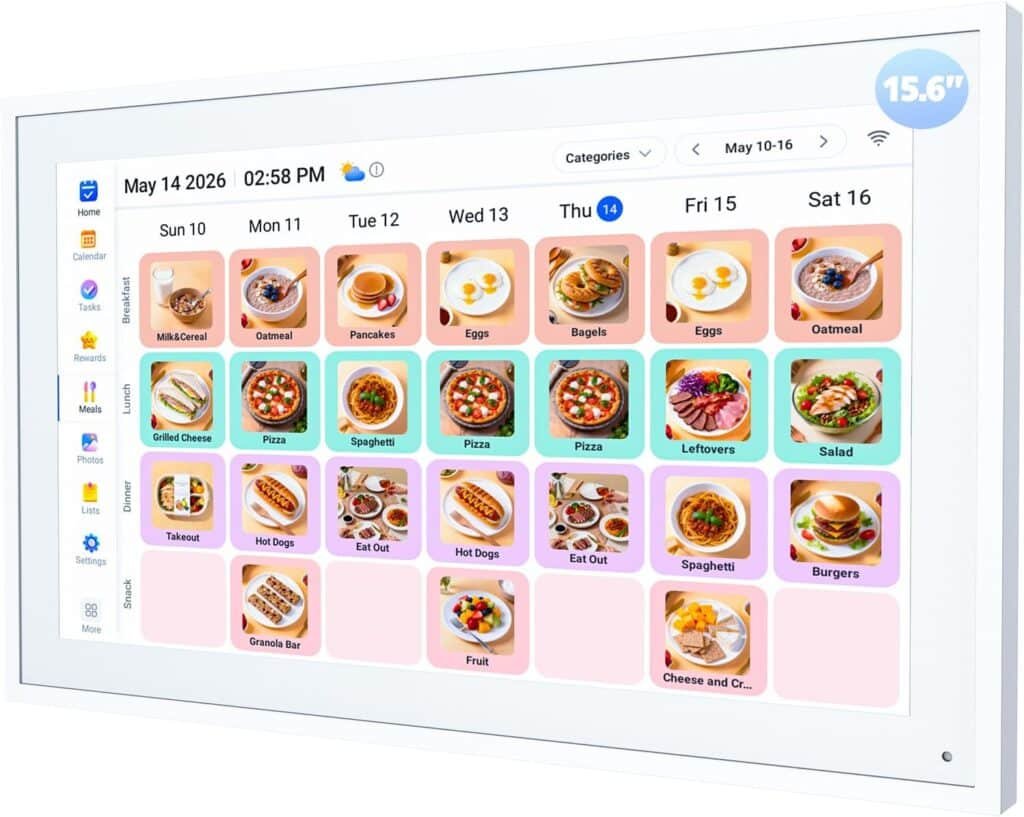
Nethgrow 15.6″ Interactive Display
$170
For the professional who relies heavily on tech infrastructure, the Nethgrow offers instant auto-syncing capabilities across iCloud, Outlook, and online cloud systems. This lets you seamlessly dump your corporate Outlook calendar invitations onto the screen without typing a single entry manually.
7. The Ultra-Flexible AI Command Center:
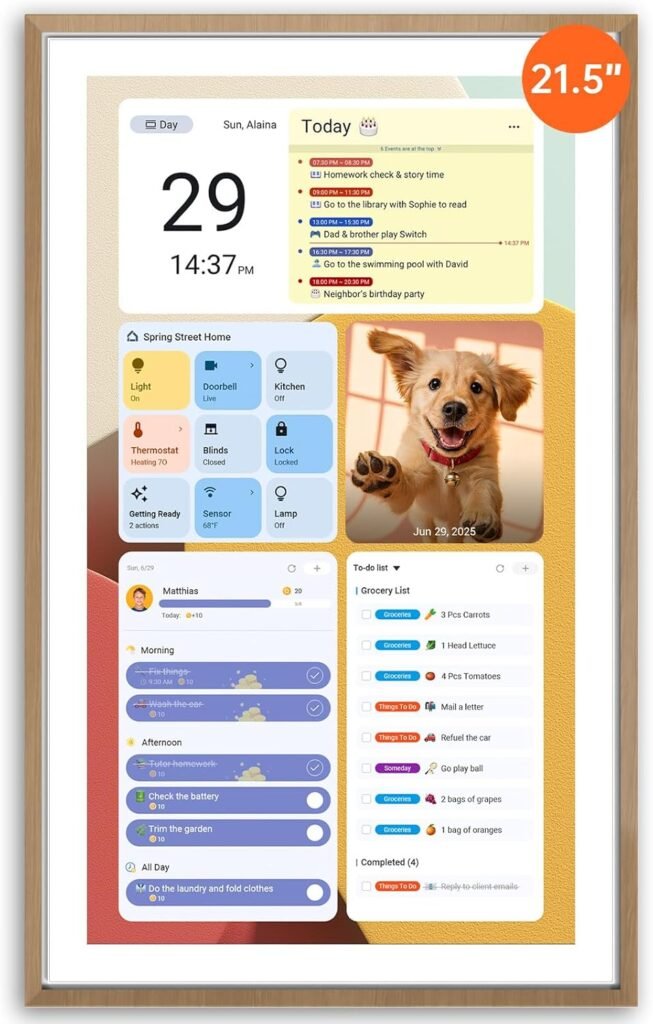
Apolosign 21.5-inch Smart Wall Planner
*sponsored
$370 (LIST $429)
This premium 21.5-inch screen features a unique Dual-Mode System. With one touch, you can switch from a streamlined family schedule to Android Mode, allowing you to download work apps right from the Google Play Store. Even better, it has built-in Google Gemini AI voice control to let you dictate reminders, check the weather, and control your home office smart lighting hands-free.
FAQs
1. Can it differentiate between my confidential work events and casual family events?
Yes. Most smart calendar systems allow you to filter views or selectively sync specific sub-calendars. You can choose to pull in only the work events you want your household to see (like “Mom is Busy / In a Meeting”) without displaying private corporate notes, proprietary client names, or sensitive business project titles.
2. Do I need to pay a monthly subscription fee to use these?
It depends on the brand. Brands like Cozyla heavily market their “No Subscription” family dashboard models, which give you full access to features right out of the box. Other premium options like Skylight offer free baseline scheduling functions but lock advanced perks—like photo screen-savers, custom list designs, or deeper cloud integrations—behind a premium subscription plan.
3. How do these devices actually sync up with all our different schedules?
They use cloud-based auto-syncing. Through their companion smartphone apps, you connect your existing calendar accounts (Google Calendar, Outlook, Apple iCloud, and CoZyla or Skylight native planners). Whenever you update a deadline on your work laptop or your spouse adds a school event on their phone, the digital wall screen updates automatically over Wi-Fi within seconds.
4. Can my kids easily interact with it without messing up my work schedule?
Yes. The touch interfaces are designed with distinct, segmented modules. Kids can tap the touchscreen to check off their morning chores, view the school lunch menu, or access their behavior reward charts without gaining administrative access to your synced corporate calendar files or accidentally deleting your team meetings.