
For the parent who wants their kid to have everything they need for school on day one, without spending a month’s rent on a machine they’ll inevitably drop.
This post contains affiliate links and paid brand placements. If you buy through these links, we may earn a commission or bonus from the featured brands at no extra cost to you.
Buying a laptop for school used to mean spending $800 on a fragile machine, paying another $70 a year for Microsoft Office, and then spending three hours setting it all up.
Now, you can get a machine that is ready to work right out of the box, survives a backpack toss, and actually helps with the workload. You don’t need a computer science degree to set these up. You just need to unbox them, turn them on, and let them do the heavy lifting.
Here are 7 tech upgrades that solve the biggest back-to-school headaches without breaking the bank.
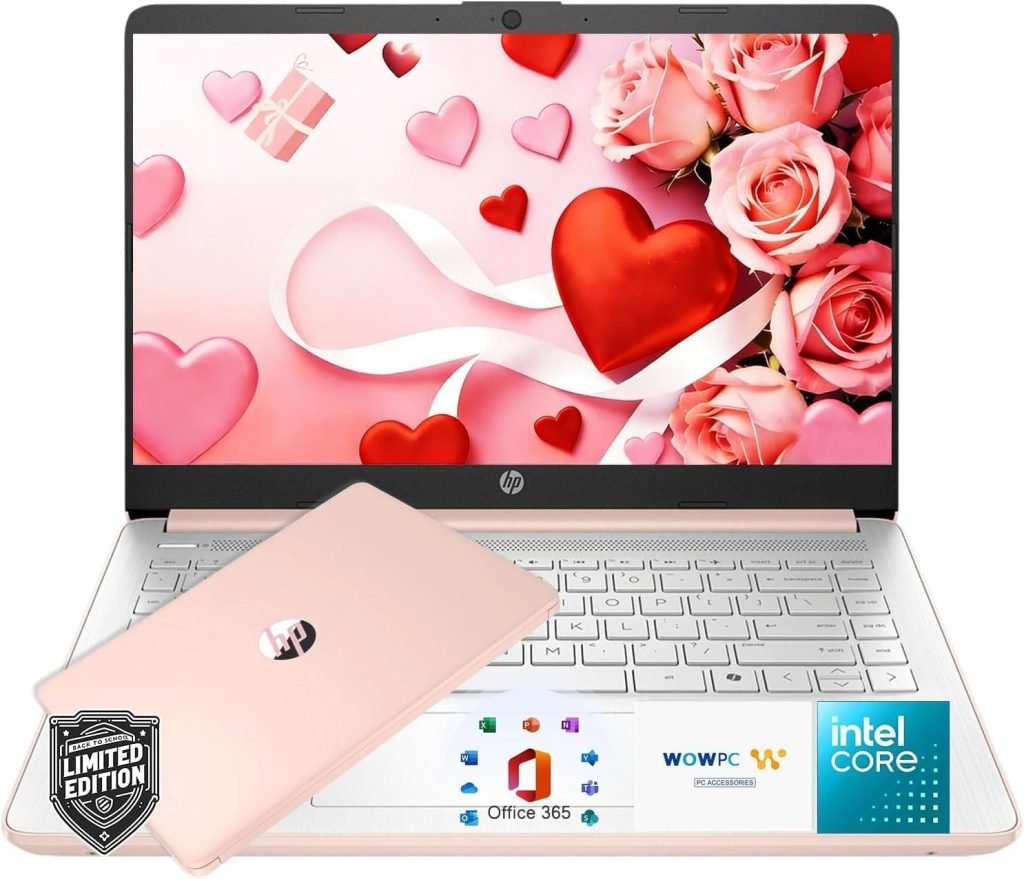
1. The “Out-of-the-Box Genius” Pick: HP New Everyday Slim Laptop
$300 (LIST $600)
This is the ultimate “no hidden fees” student laptop. The best part isn’t the slim design or the long battery life (though both are great); it’s that Microsoft Office 365 is already included. You don’t have to buy a separate subscription to write essays or make presentations.
It runs Windows 11 and comes with Copilot AI built right in, which is incredibly helpful for summarizing long reading assignments or brainstorming essay outlines. Yes, the 128GB storage means it’s designed for cloud storage and streaming, not hoarding massive video files, but for 95% of students doing research, writing, and Zoom calls, it is more than enough power. It’s a complete, ready-to-go workstation on day one.
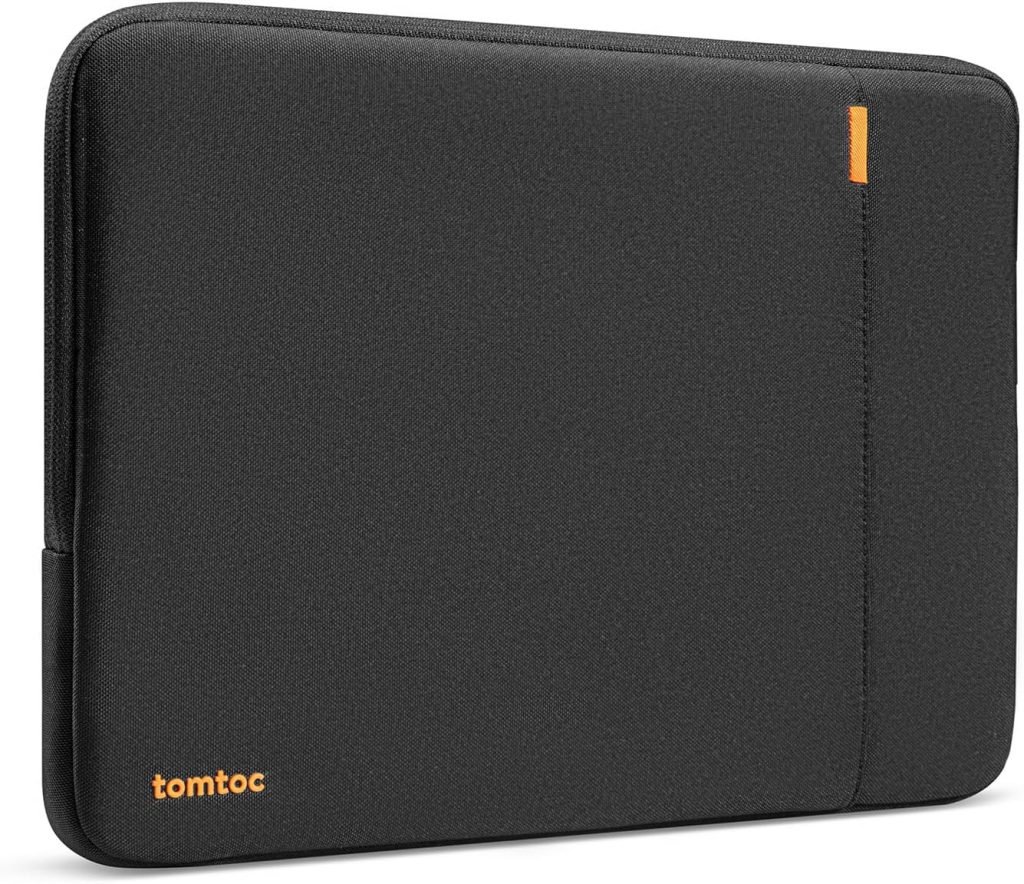
2. The “Backpack Black Hole” Preventer: Tomtoc 360 Protective Laptop Sleeve
$33
A bare laptop in a backpack is a cracked screen waiting to happen. But bulky, hard-shell cases make the laptop too thick to fit in standard backpack sleeves.
This Tomtoc sleeve is the perfect middle ground. It has a slim, flexible profile that slides easily into any backpack, but the corners are reinforced with patented protective technology that absorbs the shock if the bag gets dropped or bumped in the hallway. It also has a front pocket that perfectly holds the charging cable and a mouse, so nothing gets left behind.
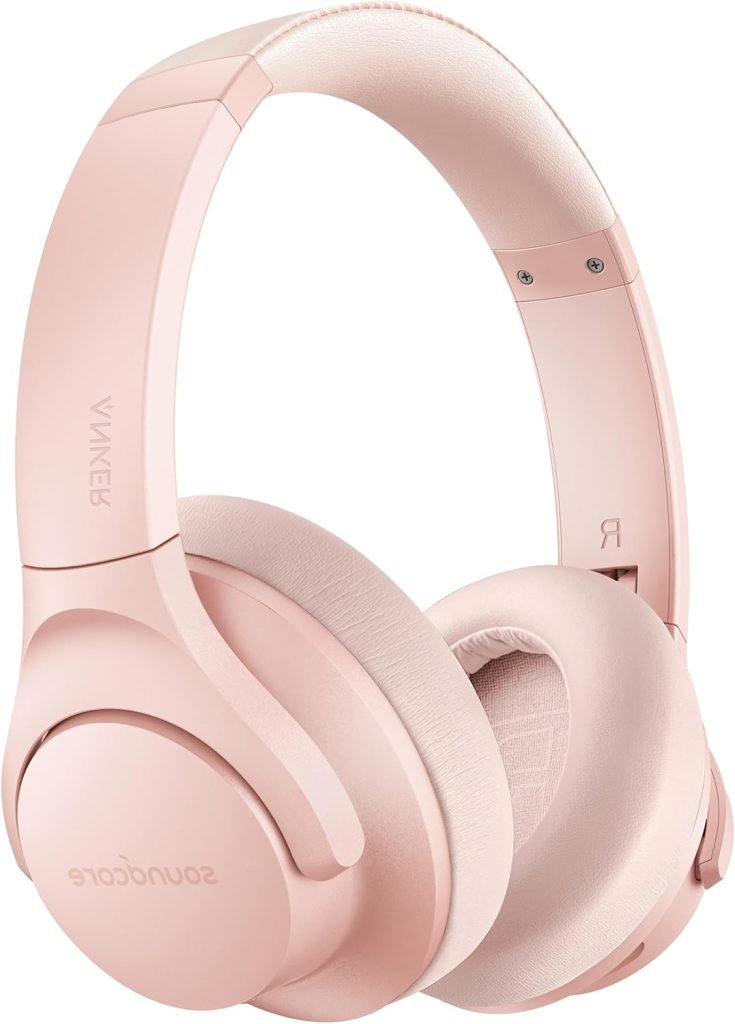
3. The “Focus Mode” Enabler: Anker Soundcore Life Q20 Hybrid Active Noise Cancelling Headphones
$40 (LIST $66)
Dorms, busy kitchens, and school libraries are loud. Trying to write a paper while someone is vacuuming or talking is a recipe for a bad grade and a lot of frustration.
These Anker headphones are the budget king of noise cancellation. They physically block out the low hum of chatter and background noise, letting the student lock into their work. The battery lasts for 40 hours, meaning they only need to charge them once a week. They are comfortable enough to wear for a two-hour study session without giving you a headache.
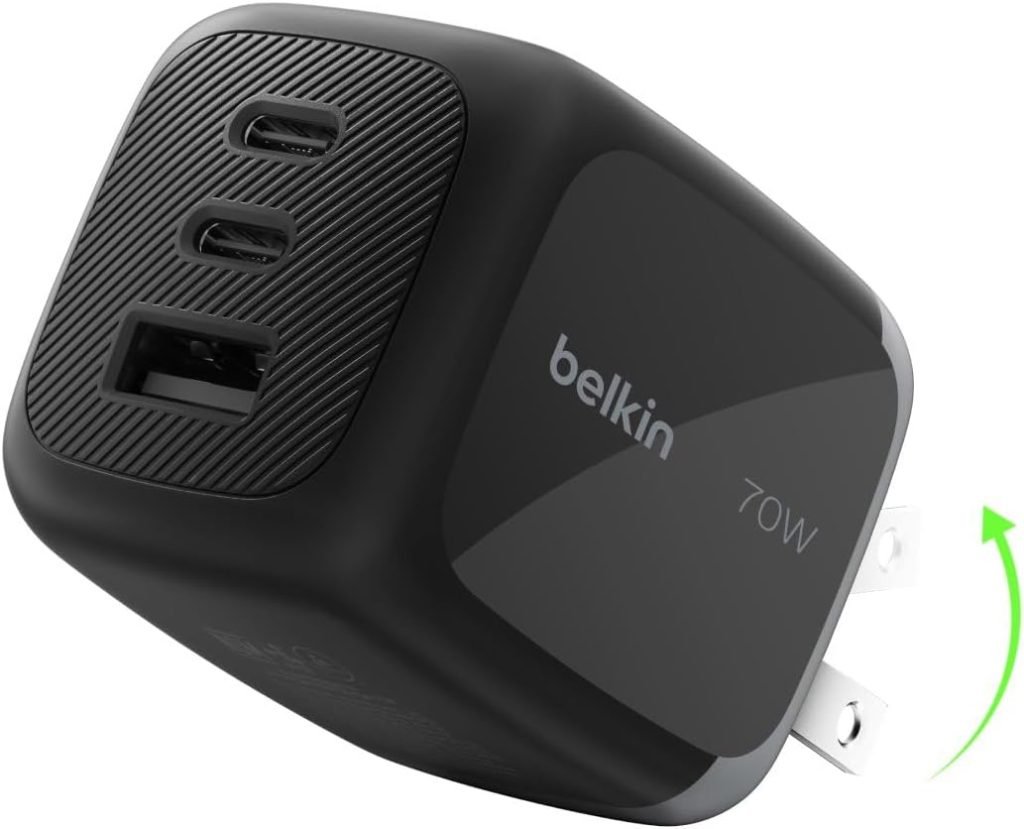
4. The “Essay-Saving” Power Strip: Belkin 3-Outlet Surge Protector with USB Ports
$40
Dorm rooms and older houses never have enough outlets, and they are always in the worst possible places. Plugging a $500 laptop into a cheap, unbranded gas station power strip is a massive fire hazard and a risk to the computer’s motherboard.
This Belkin surge protector is small, flat, and has two standard outlets plus two USB ports. It protects the laptop from sudden power spikes (which can fry the battery), and the USB ports mean you can charge a phone and a smartwatch at the same time without needing extra bulky wall adapters.
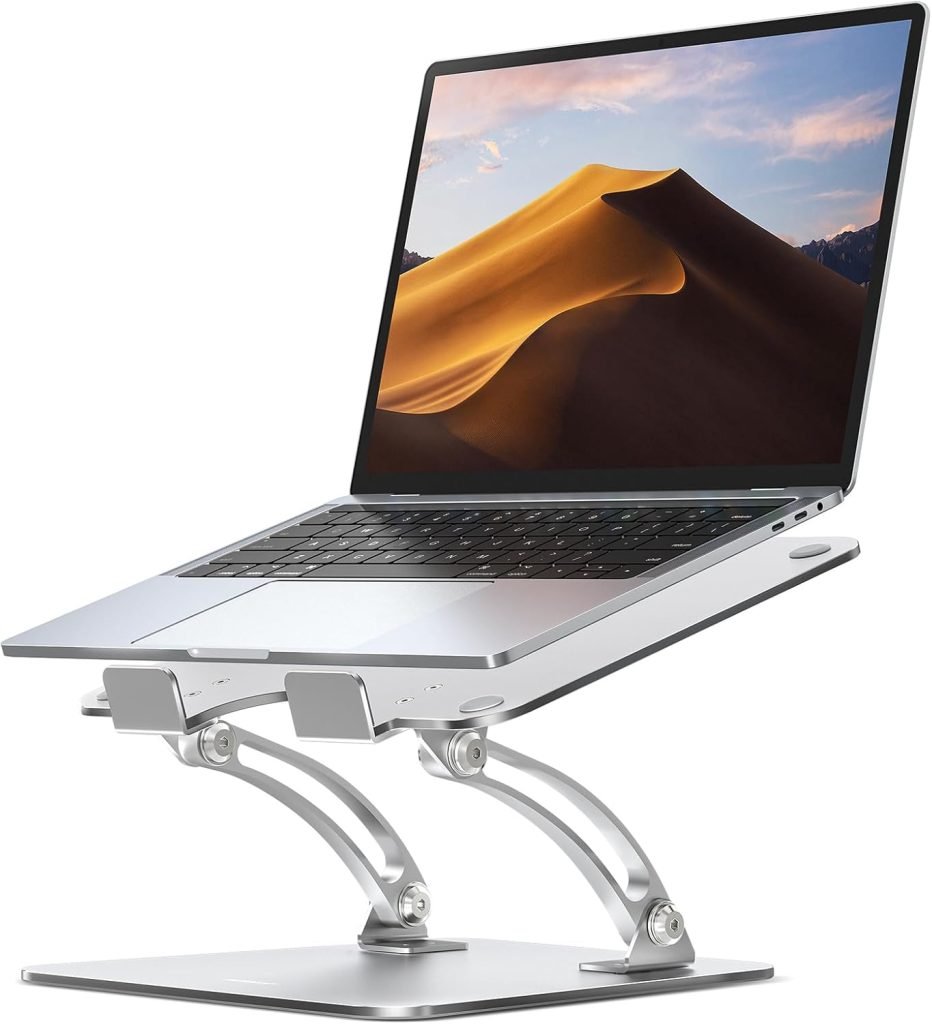
5. The “Posture Saver” Pick: Nulaxy Adjustable Laptop Stand
$18 (LIST $20)
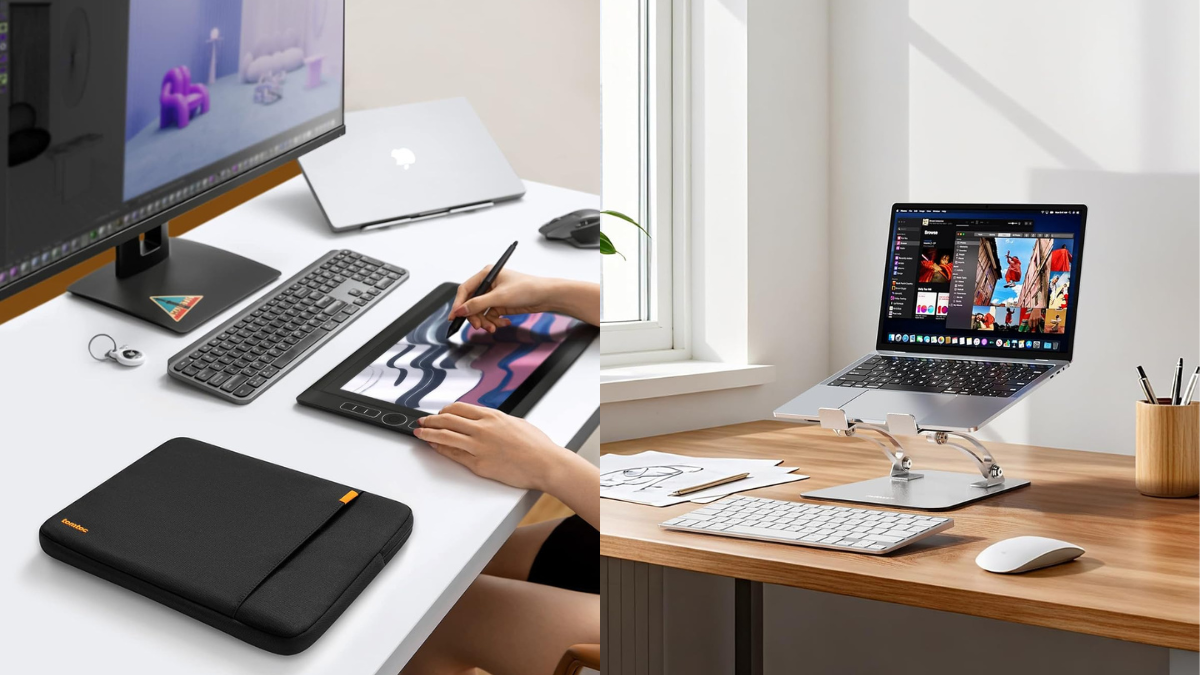
Looking down at a laptop screen for six hours a day is a guaranteed way to get “tech neck” and lower back pain by October.
This aluminum Nulaxy stand is incredibly sturdy, folds up flat to fit in a backpack, and adjusts to six different heights. By raising the laptop screen to eye level, it forces the student to sit up straight. It also lifts the laptop off the desk, allowing air to circulate underneath so the computer doesn’t overheat during long study sessions.
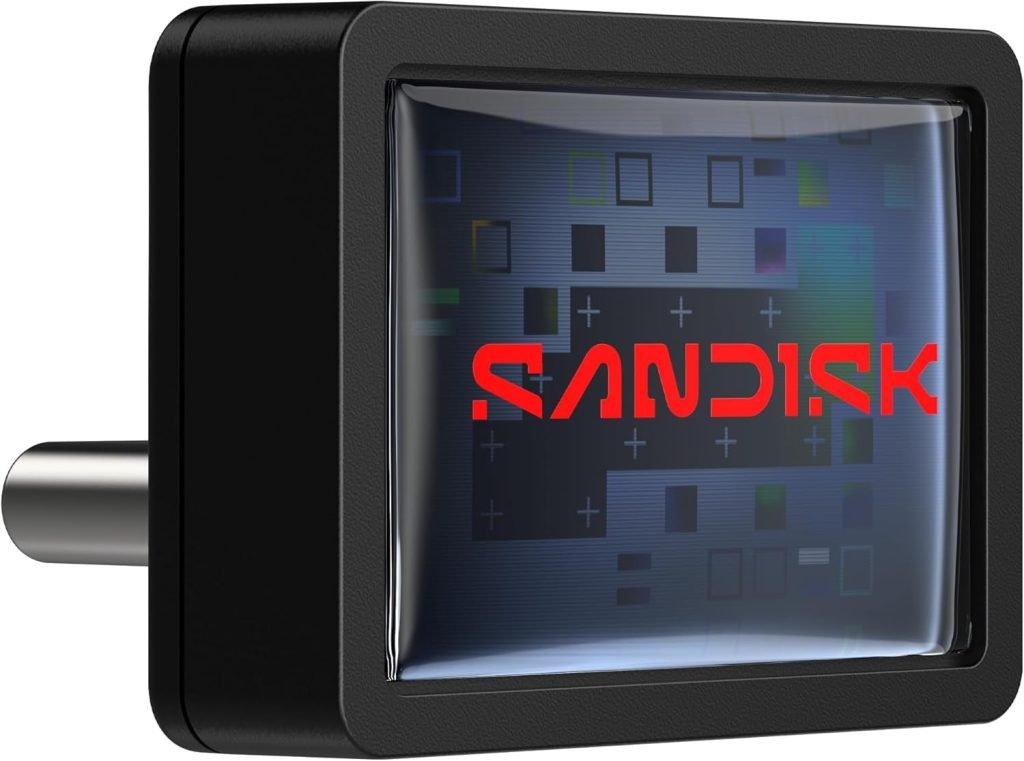
6. The “Modern Port Savior” Pick: SanDisk 128GB Extreme Fit USB-C Flash Drive
$39
Most new, slim laptops have phased out the old, rectangular USB-A ports in favor of the smaller, oval USB-C ports. That means old flash drives either don’t fit at all, or require a clunky, easy-to-lose adapter.
This SanDisk drive is designed specifically for the modern laptop. It plugs directly into the USB-C port and features a “Plug-and-Stay” design, meaning it sits almost completely flush against the computer. You can leave it plugged in while the laptop is tossed into a backpack, and it won’t snag or snap off. Plus, with read speeds up to 400MB/s, transferring a massive presentation or a folder of high-res photos takes seconds, not minutes. No more staring at a loading bar while the teacher is waiting.
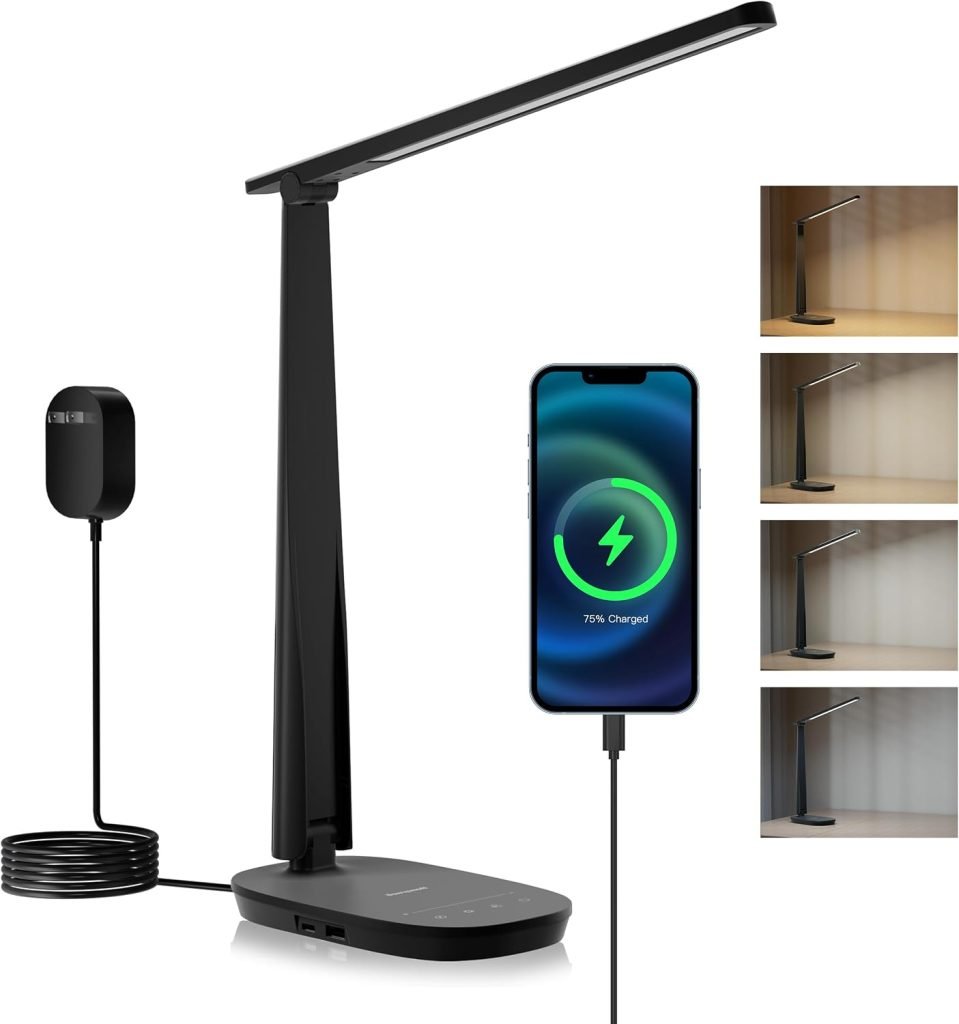
7. The “Late-Night Study” Pick: Honeywell HWT-H2 LED Desk Lamp
$34
Wrong light, blue glare of a laptop screen is a guaranteed recipe for eye strain, headaches, and ruined sleep. But cheap desk lamps often flicker or cast weird, shadowy glares that make reading even harder.
The Honeywell HWT-H2 fixes this with “full spectrum” lighting. In plain English, that means it mimics natural, clear daylight. It illuminates the desk evenly without that harsh, headache-inducing buzz. The best part for a cramped dorm or small desk? It charges via USB. That means it can plug directly into the laptop or a basic power bank, completely eliminating the need for another bulky, tangled wall adapter cluttering up the workspace.
Practical solutions for modern living. Home Store Links curates intentional, problem-solving gear, lifestyle essentials, and daily drops for home, tech, family, men, and women. Links are affiliate links, which may earn us a commission at no extra cost to you. We try to update prices regularly, but note that prices, deals, and availability may change without prior notice.