Upgrade!
All products featured on HomeStoreLinks are independently selected by our editors. However, we may receive compensation from purchases of products through these links.
“Too old for Windows 11” sounds dramatic for a machine that still works fine. With a handful of budget-friendly upgrades can make them run smoother than most brand-new laptops. Sometimes it’s not about ‘aged’ tech, it’s just about upgrading the right parts. After all, you wouldn’t junk a perfectly good car just because it needs new tires.
1. Add the “missing piece” Windows 11 wants
Windows 11 refuses to install on older machines unless you have a TPM 2.0 security module — basically a tiny chip that keeps your PC “secure.” You can buy it separately, plug it into your motherboard, and instantly pass Microsoft’s compatibility check.
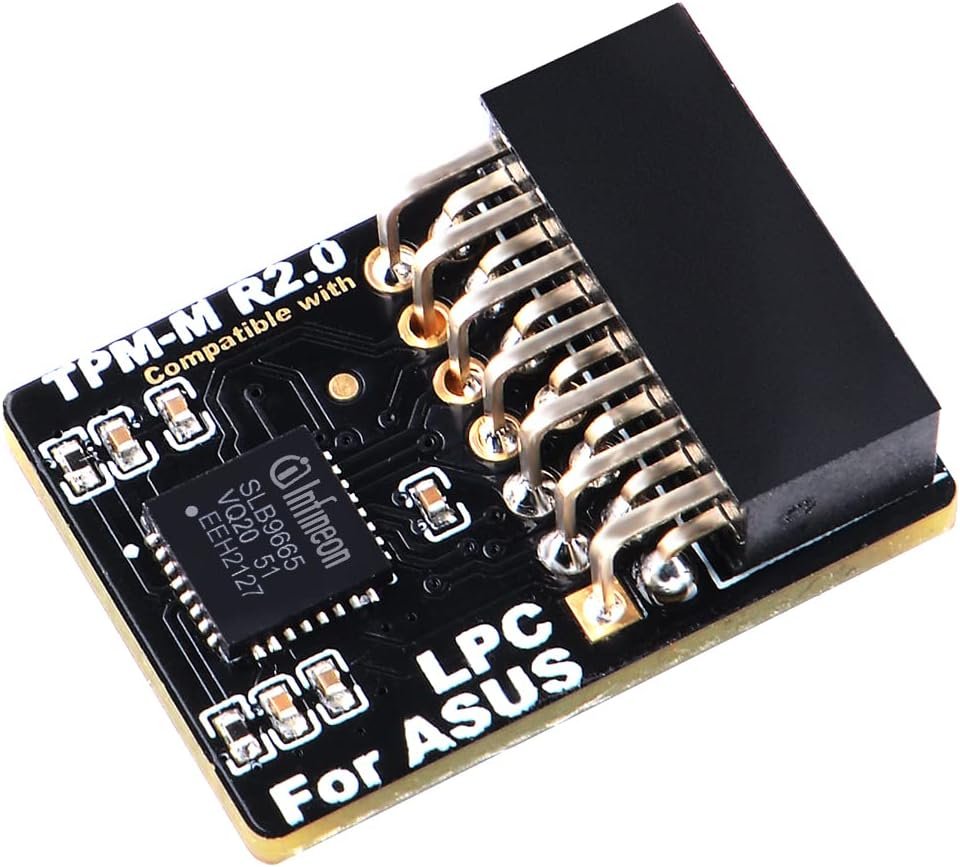
ASUS TPM-M R2.0 14-1 Pin Trusted Platform Module
💾 Supports TPM 2.0 requirement for Windows 11
What it does: Adds the required TPM hardware that Windows 11 looks for. It’s plug-and-play on most ASUS motherboards (and similar ones for MSI, Gigabyte, etc.). Costs $25, which is a lot cheaper than a new PC.
2. Give it a caffeine shot with a solid-state drive upgrade
If your old hard drive still spins like it’s 2009, swapping in an SSD is like giving your PC jet fuel. You’ll go from two-minute boot times to ten seconds flat.
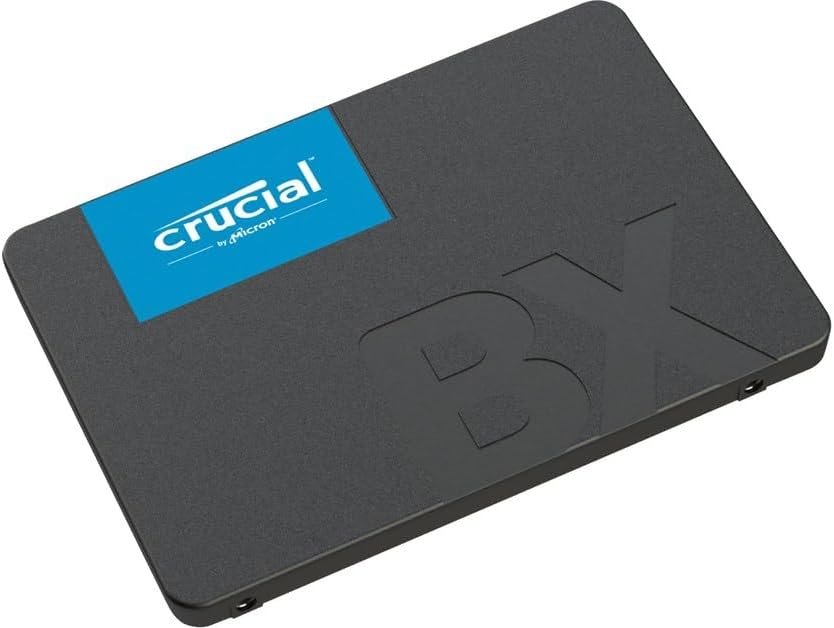
Crucial MX500 500GB 3D NAND SATA 2.5-Inch SSD
🚀 Boosts speed 10x vs old hard drives
What it does: Replaces your slow hard drive with a lightning-fast solid-state drive. It’s one of those upgrades that instantly makes your computer feel brand new.
3. Bring your WiFi into the 2025 era
Even if your motherboard’s WiFi card is older than TikTok, a USB adapter can give you WiFi 6 speeds instantly. No screwdriver required.
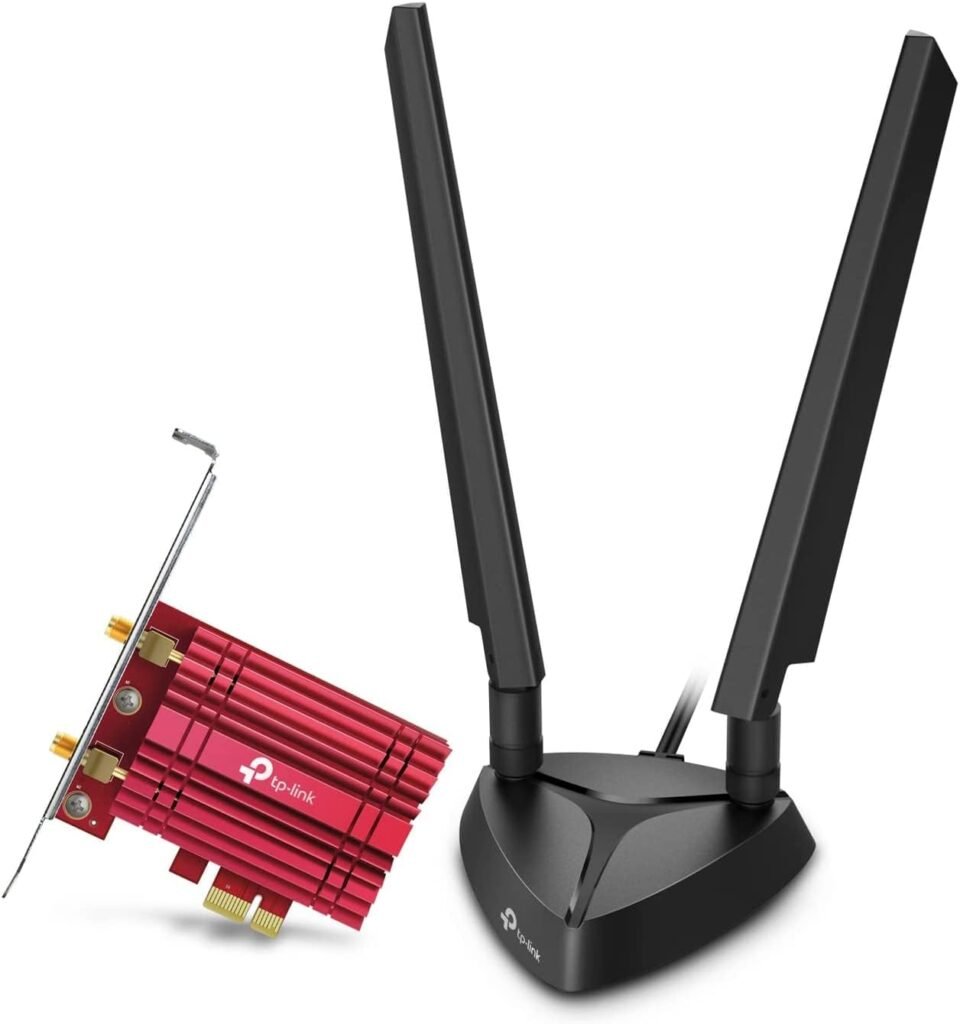
TP LINK WIFI
📡 Upgrades old PCs to WiFi 6 (Amazon: “TP-Link Archer TXE75E WiFi 6E PCIe Adapter”)
What it does: Adds WiFi 6 (or 6E) support for faster, more stable internet connections — perfect if your router already supports the latest standards.
4. Add modern ports without a new motherboard
USB-C is everywhere now, but older PCs missed the memo. A PCIe expansion card can give your machine new ports that power modern drives and chargers.
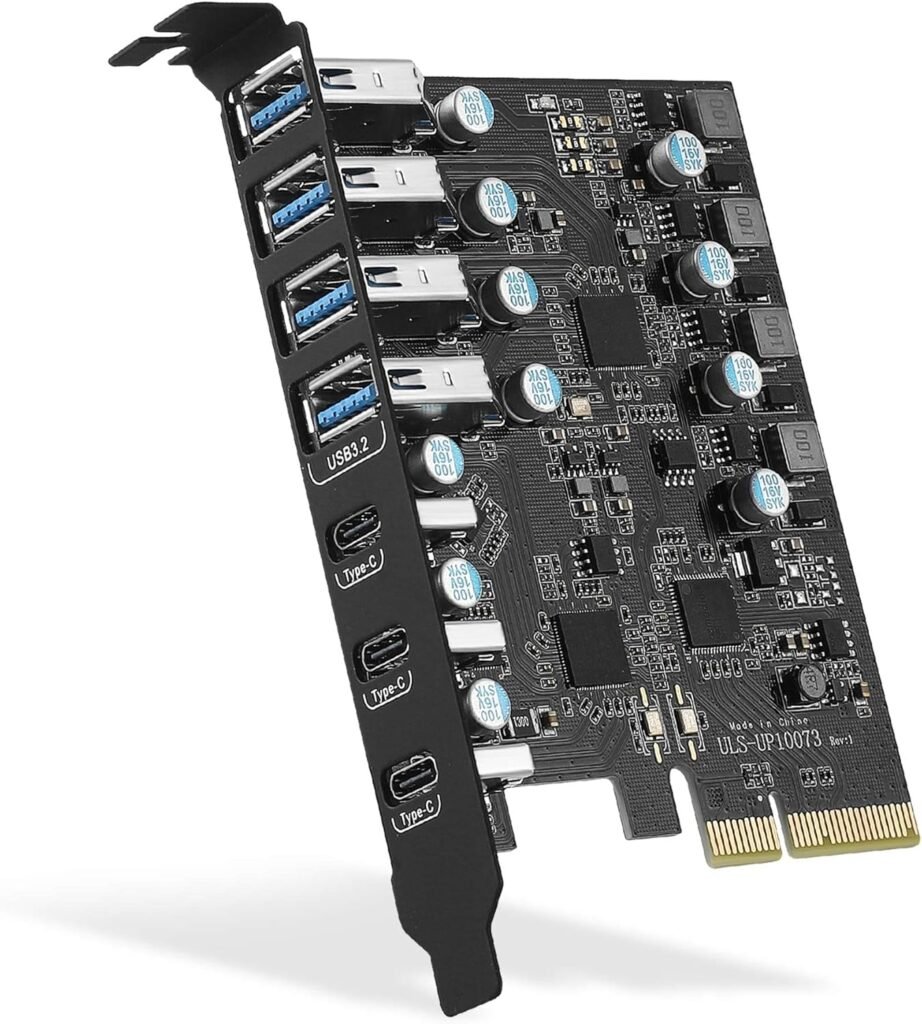
PCIe to USB 3.2 Gen 2 Card with 20 Gbps Bandwidth 7 USB Ports (4 USB Type-A and 3 Type-C Ports)
⚙️ Adds USB-C & fast charging ports
What it does: Instantly adds high-speed USB-C and USB 3.2 ports to your desktop so you can plug in modern accessories and transfer data at ridiculous speeds.
5. Or skip all that — go small and new
If your old tower sounds like a jet engine and you’re done tinkering, you can get a mini PC that’s the size of a sandwich but runs Windows 11 out of the box.

Beelink Mini PC
🖥️ Compact Windows 11 mini PC
What it does: A tiny, quiet, power-efficient computer that handles everything from browsing to streaming to light work — basically a fresh start without the bulk.
Bottom line
You don’t need to dump your old PC just because Microsoft wants you to. Between a $20 TPM module, a snappy SSD, and a little WiFi magic, you can make your “outdated” machine embarrass new ones.