
For the person who just wants their lamp to turn on from bed without performing a tech exorcism.
This post contains affiliate links and paid brand placements. If you buy through these links, we may earn a commission or bonus from the featured brands at no extra cost to you.
If you are reading this, you are probably sick of opening your smart home app only to see the word “Offline” next to your living room lamp or coffee maker.
Cheap smart plugs are great for the wallet, but they have a fatal flaw: they love to drop their connection every few days. When they disconnect, you are stuck unplugging them, resetting them, and going through the tedious app setup all over again—usually right when you just want to turn the lights off and go to bed.
The issue usually isn’t the plug itself. The real problem is almost always your router. Budget smart plugs run on cheap, older 2.4GHz wireless chips. Modern home routers hate them. Your router will aggressively try to force devices onto the faster 5GHz band, run out of available IP addresses, or let the signal drop entirely in the dead zones of your house.
You don’t need to throw away your cheap smart plugs and buy expensive ones. You just need to fix the environment around them.
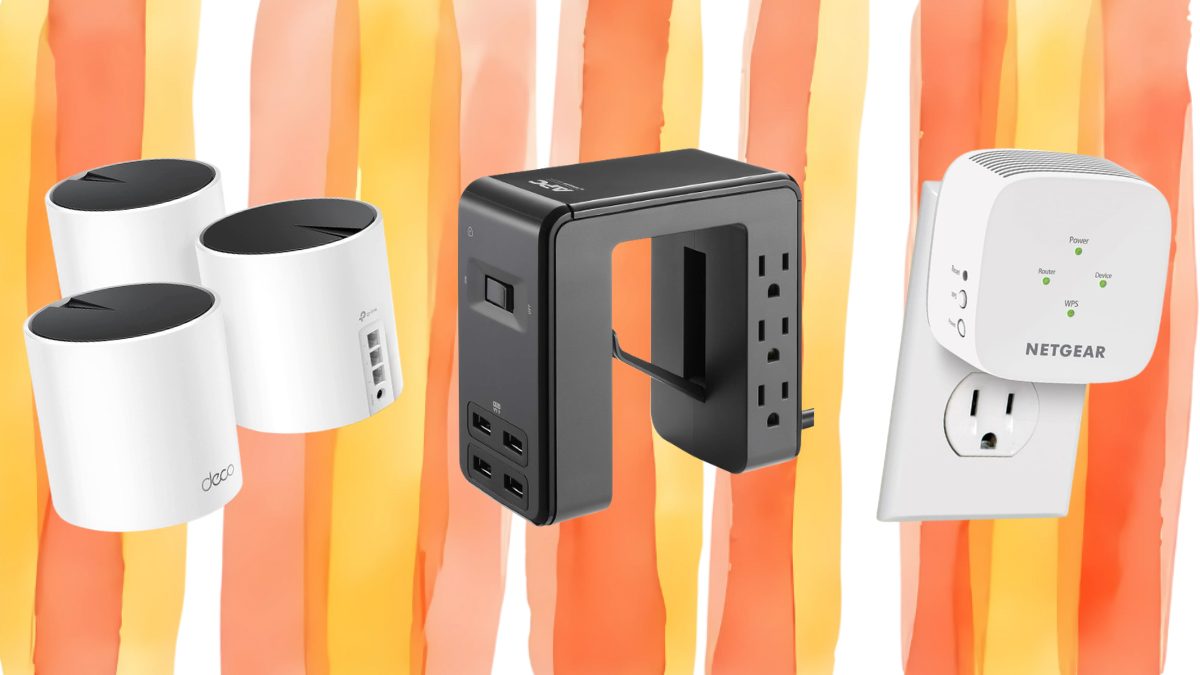
Here are 5 Amazon finds that fix the root causes of smart plug disconnects—from weak signals to IP address conflicts—so your smart home actually stays smart.
1. TP-Link Deco AX3000 Mesh WiFi System
Your smart plug works fine in the living room but drops off every time you walk into the kitchen. The problem isn’t the plug — it’s that your router’s signal dies before it reaches the back corner of your house. This is a mesh system — three units that blanket your space with one seamless network instead of one router screaming into the void. It forces a stable 2.4GHz connection for your smart home devices while your phone and laptop cruise on 5GHz. You set it up once, name the network, and your plugs stop ghosting you. You’ll realize your old router was the problem all along.
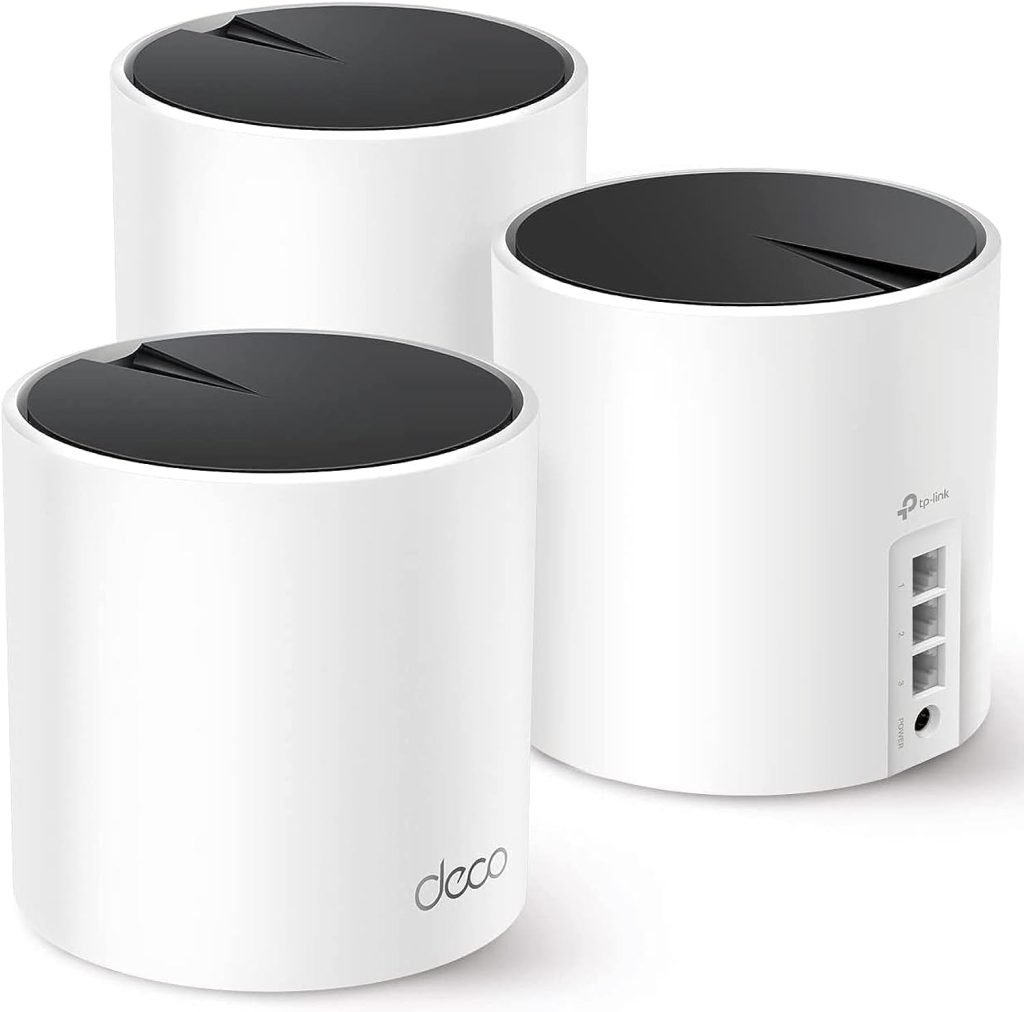
$150 (NOW -21%)
2. Netgear Wi-Fi Range Extender EX5000
You don’t need a whole mesh system. You just need the one room where your smart plug lives to actually have signal. This extender creates a separate, dedicated 2.4GHz network band exclusively for your cheap plugs. They stop competing with your TV, your phone, and your roommate’s gaming console for bandwidth. Plug it into a wall outlet halfway between your router and the dead zone, press a button, and suddenly your plug stays connected for longer than 20 minutes. No need to replace all your plugs with expensive ones.
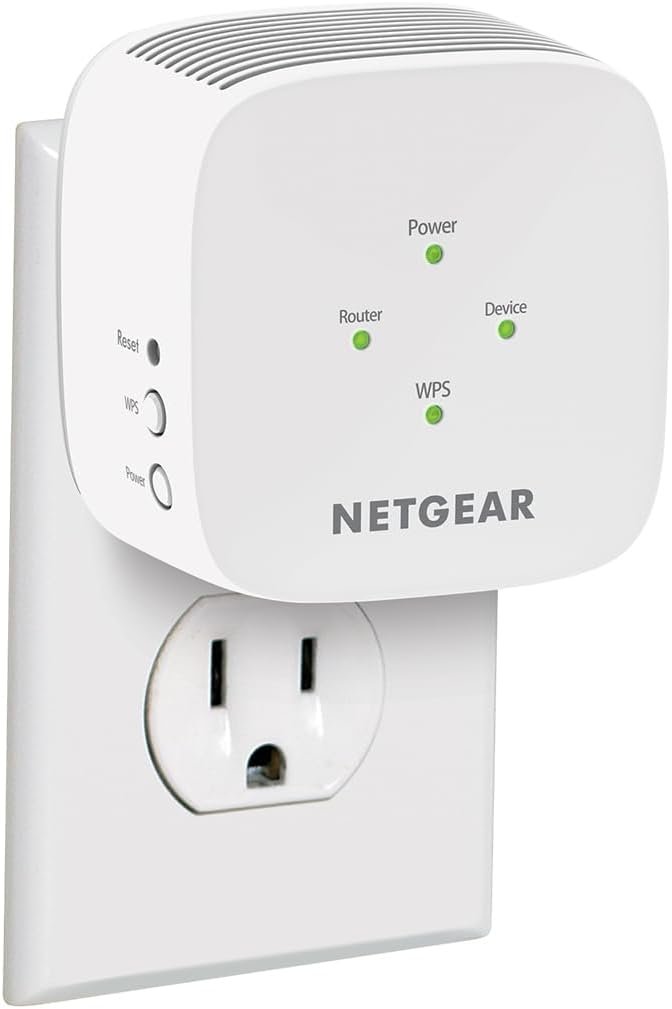
$30
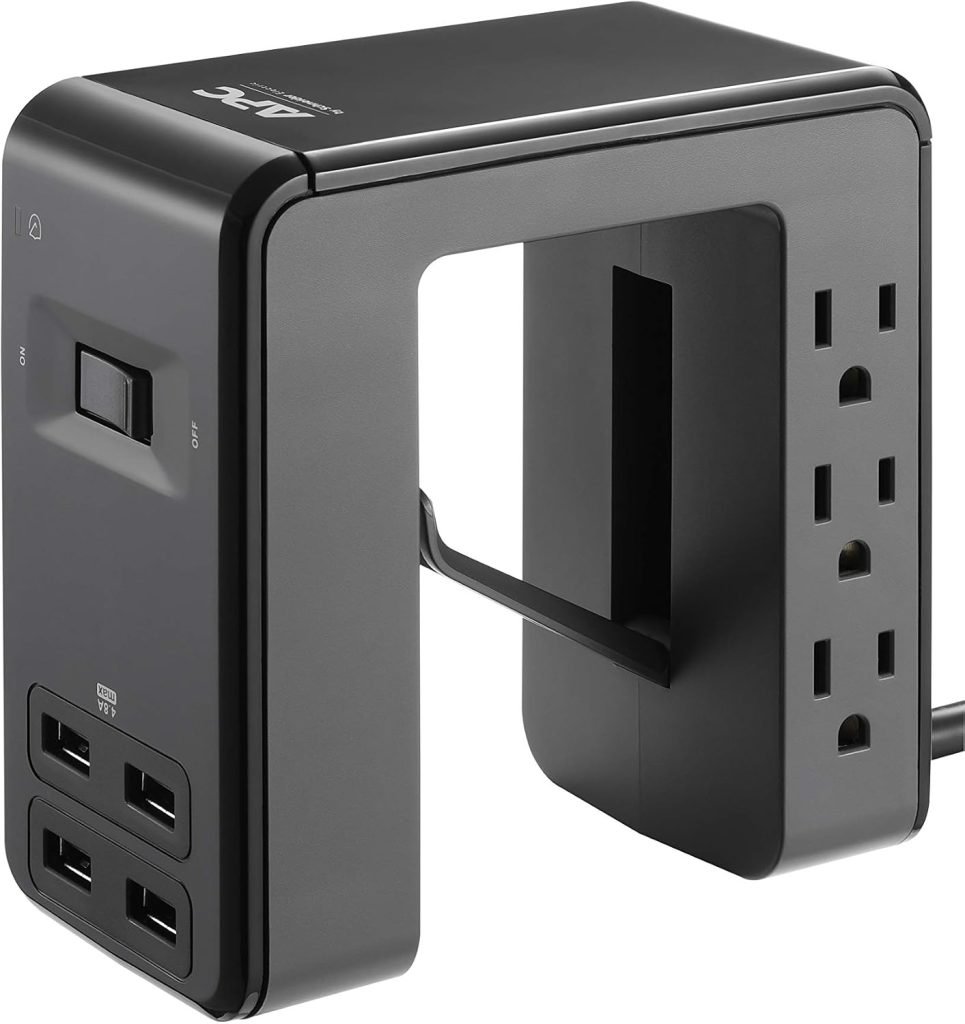
3. APC Surge Protector Smart Plug Shield
Your power flickers. The lights dim for half a second. Your smart plug resets to factory defaults and forgets your Wi-Fi password. This isn’t a fancy power strip — it’s surge protection that absorbs micro-surges and brownouts before they hit your plug’s tiny brain. Your smart plugs have no memory protection built in, so every blip wipes them clean. You plug this into the wall, plug your smart plug into it, and suddenly power fluctuations stop murdering your setup. This is the kind of invisible protection no one appreciates until they realize they haven’t had to reconfigure your plug in three months.
$23
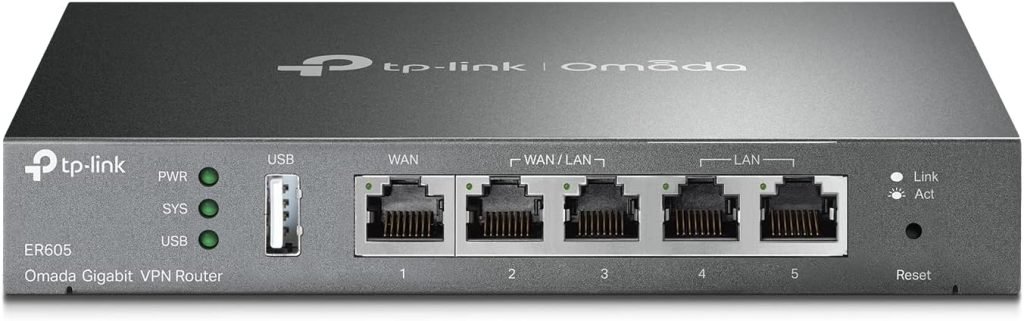
4. TP-Link ER605 Wired Gigabit VPN Router
Your router is a hand-me-down from 2018 and it runs out of IP addresses like a parking lot with three spaces. Every time a new device connects, your smart plug gets booted off the network. This wired router connects directly to your modem and handles IP assignment like a traffic cop that actually knows what they’re doing. It supports up to 512 concurrent connections, which is overkill for your apartment but means your plugs, your phone, your TV, and your guest’s laptop all get a spot. You wire it in, configure it once, and your plugs stop getting evicted from the network.
$50 (NOW -24%)
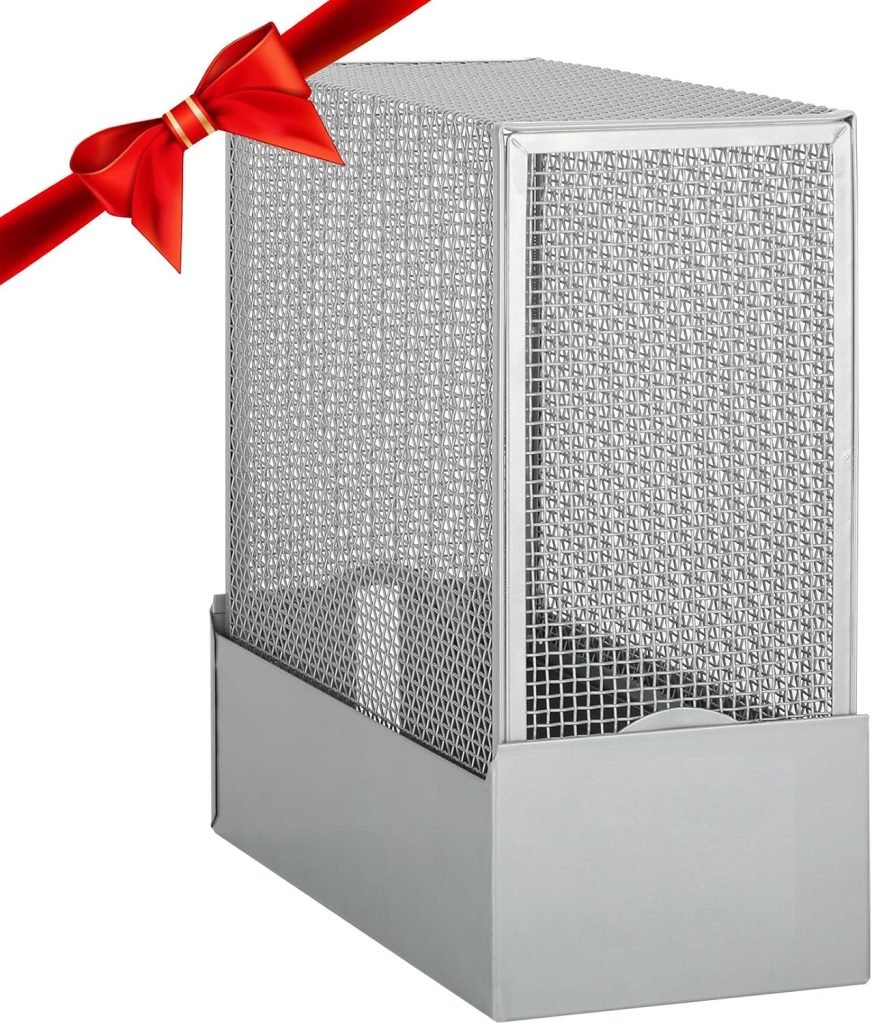
5. Faraday Router Guard Shield Cage
Your router broadcasts 5GHz and 2.4GHz on the same network name, and your cheap smart plug’s ancient chip gets confused about which signal to grab. This is a metal mesh cage that sits over your router and limits aggressive 5GHz signal bleed. Your older smart home devices can finally lock onto the 2.4GHz band they actually understand without getting distracted by the faster signal they can’t process. It looks like a birdcage for your router. It works like a bouncer for your Wi-Fi. Your plugs stop dropping because they stop getting confused.
$50 (NOW -11%)
Practical solutions for modern living. Home Store Links curates intentional, problem-solving gear, lifestyle essentials, and daily drops for home, tech, family, men, and women. Links are affiliate links, which may earn us a commission at no extra cost to you. We try to update prices regularly, but note that prices, deals, and availability may change without prior notice.